
ZDNET’s key takeaways
- Apple will impose daily limits on Siri AI starting with iOS 27.3.
- The limits will affect only advanced tasks that require server-side processing.
- Pay more for an iCloud+ plan, and the daily limits will increase.
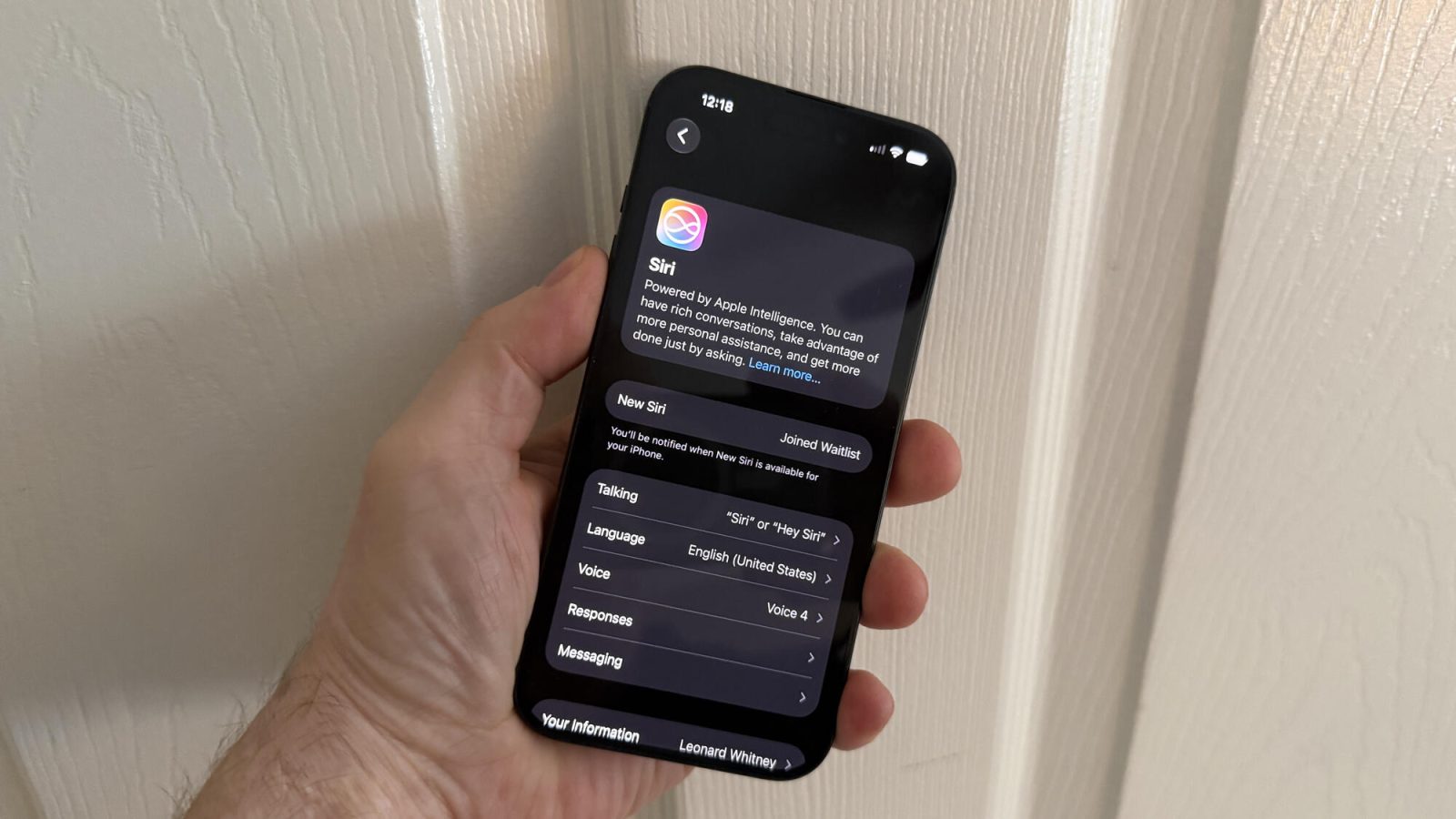
Have you been using the new Siri AI? If so, how much? I’ve been turning to it a lot since the release of iOS 27. Well, how we use it — and how often — will soon depend on how much we pay for an iCloud+ plan.
Also: 5 apps I need Siri AI to work with now that it’s open to third-party developers
Apple hasn’t been shy about stating that the use of Siri AI and Apple Intelligence for specific tasks would face daily access limits. Increased limits would be granted based on your iCloud+ subscription. Now the company has revealed how much it will cost you and when the limits will begin.
More from ZDNET
Usage limit for each iCloud+ tier
Here’s how it breaks down.
iOS 27.3 is expected to launch in early December, so that’s when the daily usage limits will kick in.
At that point, people with no paid iCloud+ plan and even those with the $0.99-per-month 50 GB plan will be the most limited, with Apple saying only that they’ll face a “Standard Device Limit.”
- Users with a $2.99-per-month 200 GB plan will receive twice the standard usage limit.
- Those with a $9.99 2 TB plan will get up to five times the standard usage limit.
- People with a $29.99 6 TB plan will get up to 10 times the limit.
- Finally, those with a $59.99 12 TB plan will get up to 20 times the limit.
What is a standard limit? That depends not just on how many times you tap into Siri per day but on what tasks you assign it. Basic Siri commands, such as setting timers and alarms or sending standard text messages, will remain free and unlimited.
Also: Ready for a Siri AI agent? Apple under pressure to upgrade its assistant faster
Advanced Siri and Apple Intelligence tasks will bump into the usage limits. These include the following, according to Apple:
- Multi-step requests using personal context (e.g., pulling info from your email to update your calendar)
- Generating or editing images through Image Playground and Photos tools like Clean Up, Extend, and Spatial Reframing
- Shortcuts that rely on Apple Foundation Cloud and Cloud Pro Models
- Third-party apps that use Apple Foundation Models through Private Cloud Compute
Lits are per device, not per account
One positive here is that the limits are per device not per account. That means you can use Siri AI and Apple Intelligence with the same account across your iPhone, iPad, Mac, Apple Watch, Apple TV, and Vision Pro without fear of chewing up too much of your quota.
This all sounds like a way for Apple to steer people to more expensive iCloud+ accounts. But the limits are in place for a key reason. Basic commands are processed on your device, so they don’t require the use of Apple servers. More advanced tasks are processed using server-side AI models, which can feel the strain if too many people access them all at once.
Also: What you’ll pay for AI agents will be wildly variable and unpredictable
How will you know if you use up your daily allotment and what happens then? You’ll receive a notification if you hit your limit for a particular feature category. At that point, you can still give Siri basic tasks to perform. But advanced ones will be paused until your limit resets the next day. Otherwise, Apple is undoubtedly hoping that people who continually run into limits will upgrade to a pricier iCloud+ plan.



Be the first to comment